Release configurations
As of January 19, 2026 Google will enforces a new access control model known as strict act-as mode. This article has been wrote assuming that strict act-as mode has been enforced.
In Dataform, Release configurations compile code from dataform repository which will be executed by Workflow.
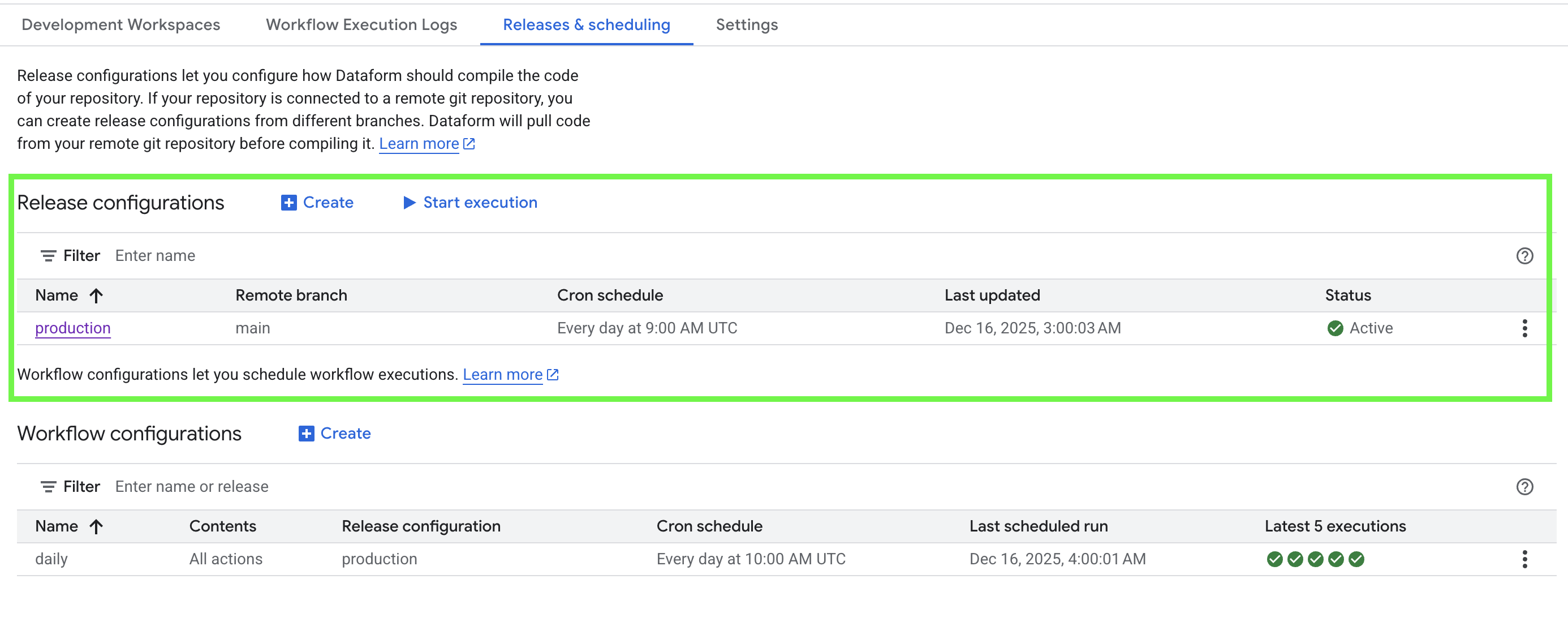
Release configurations specifies:
- The Schedule frequency of your release configurations
- Compilation overrides settings for advanced use cases
Read more about compilation here
How to create a new release configuration
Without Git connection:
- From your Dataform repository, navigate to Release and Scheduling.
- Click Create next to Release configurations.
- Provide a name for the configuration (Release ID).
- (Optional) Configure compilation overrides and Compilation variables.
- Click Create to save the release configuration.
With Git connection:
- From your Dataform repository, navigate to Release and Scheduling.
- Click Create next to Release configurations.
- Provide a name for the configuration (Release ID).
- Select the Git branch you want to compile.
- Define the schedule of release configuration for automated compilation.
- (Optional) Configure compilation overrides and Compilation variables.
- Click Create to save the release configuration.
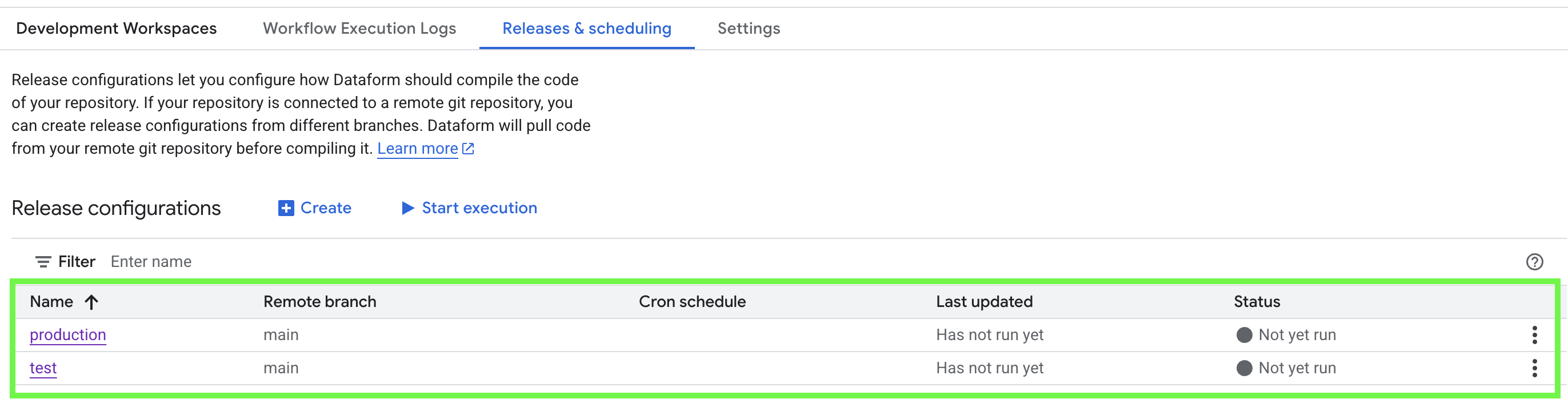
Once created, release configuration will appear in the list of Release configurations.
How to run a new compilation manually
You can always trigger a compilation manually (even for scheduled release configuration). This is useful when you want recent code changes to be picked up immediately.
To run a manual compilation, you simply have to click the release configuration and find the New Compilation button:
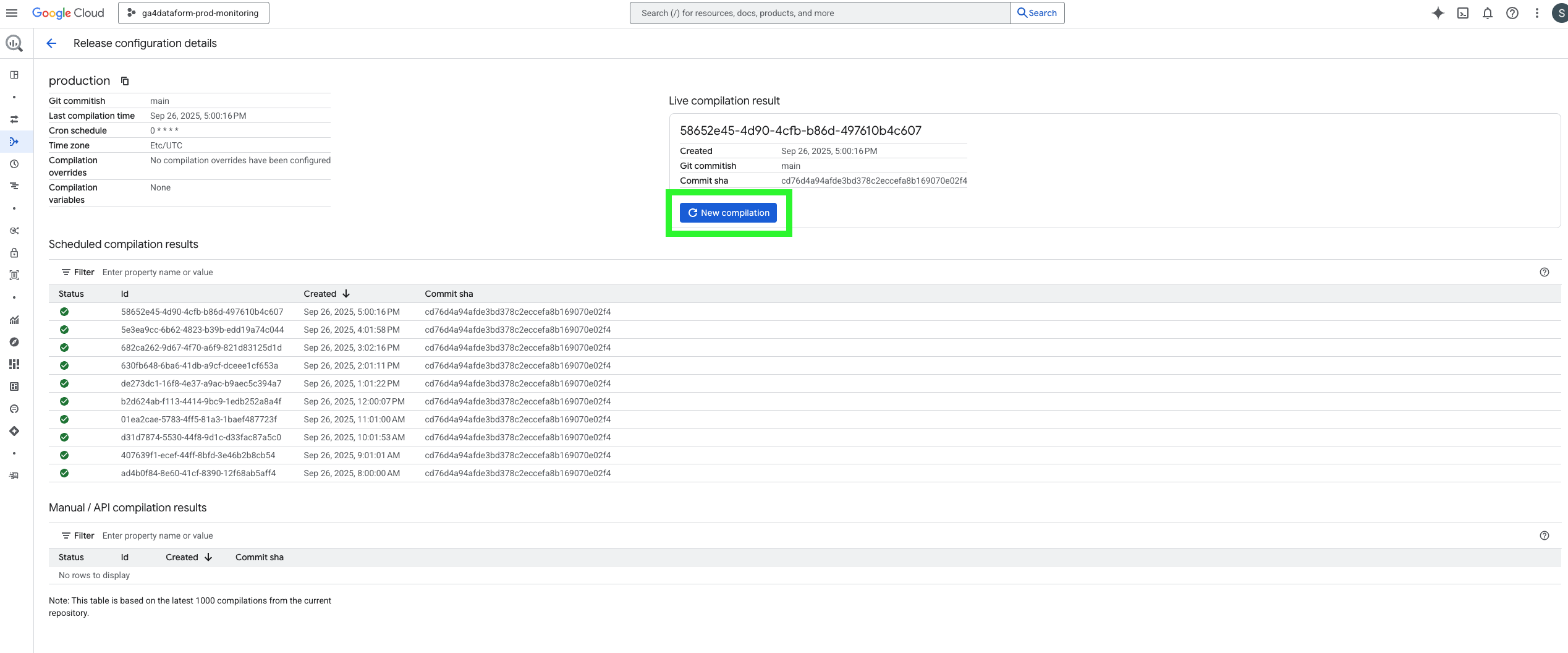
After the compilation finishes, any workflows associated with this release configuration will run against the newly compiled version of your code.
If you update your repository but do not run a new compilation, workflows will continue to use the previous compilation and your latest changes will not be executed.