Create Release and Workflow configuration
When you use the GA4Dataform Installer, you can optionally create a Release and Workflow configuration. If you do so, the installer creates:
- A Release that runs at 9 AM UTC
- A Workflow that runs at 10 AM UTC
However you might want to create your own Release and Workflow configuration.
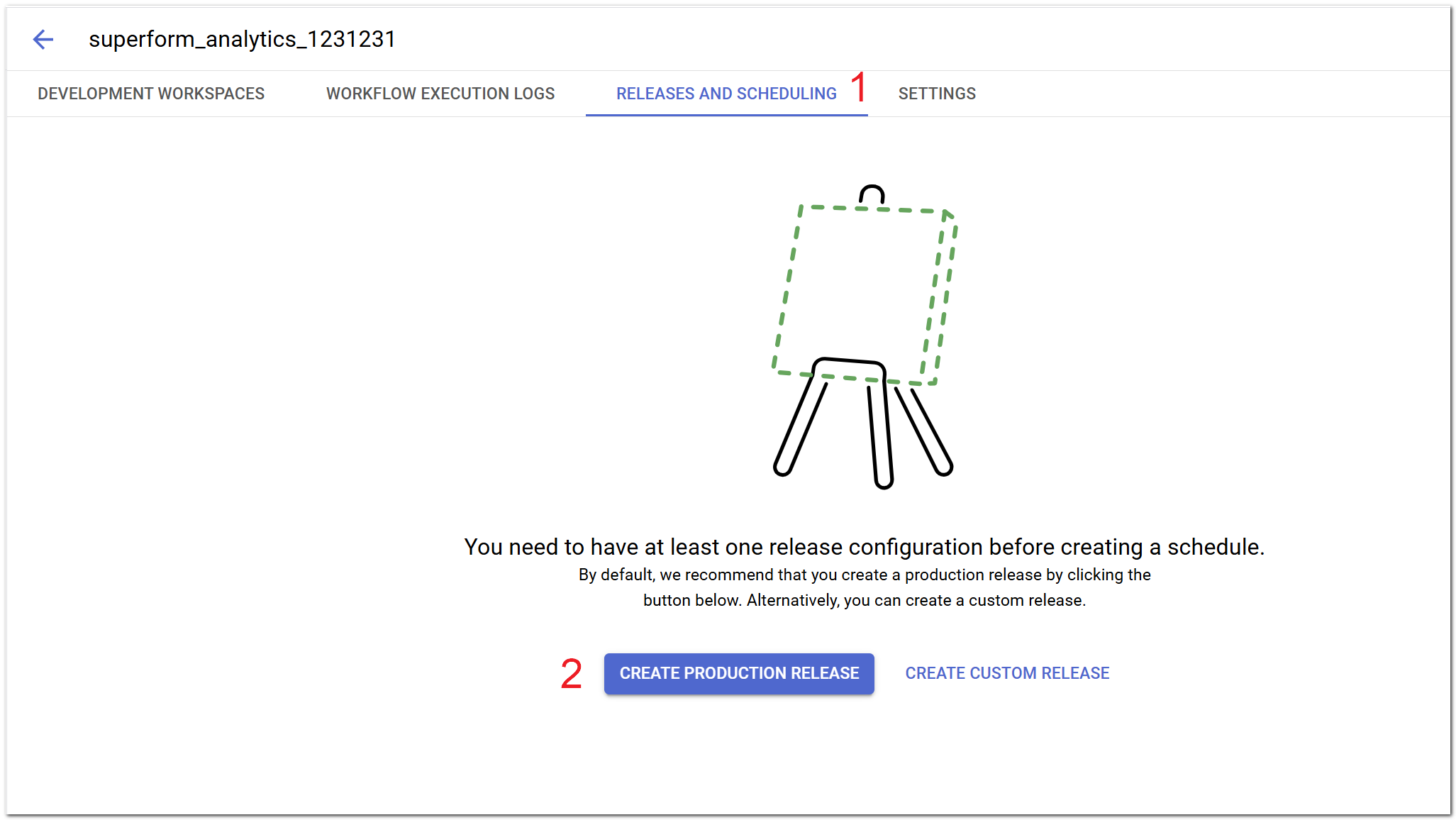
- Navigate to
Releases and Schedulingin your Dataform repository:
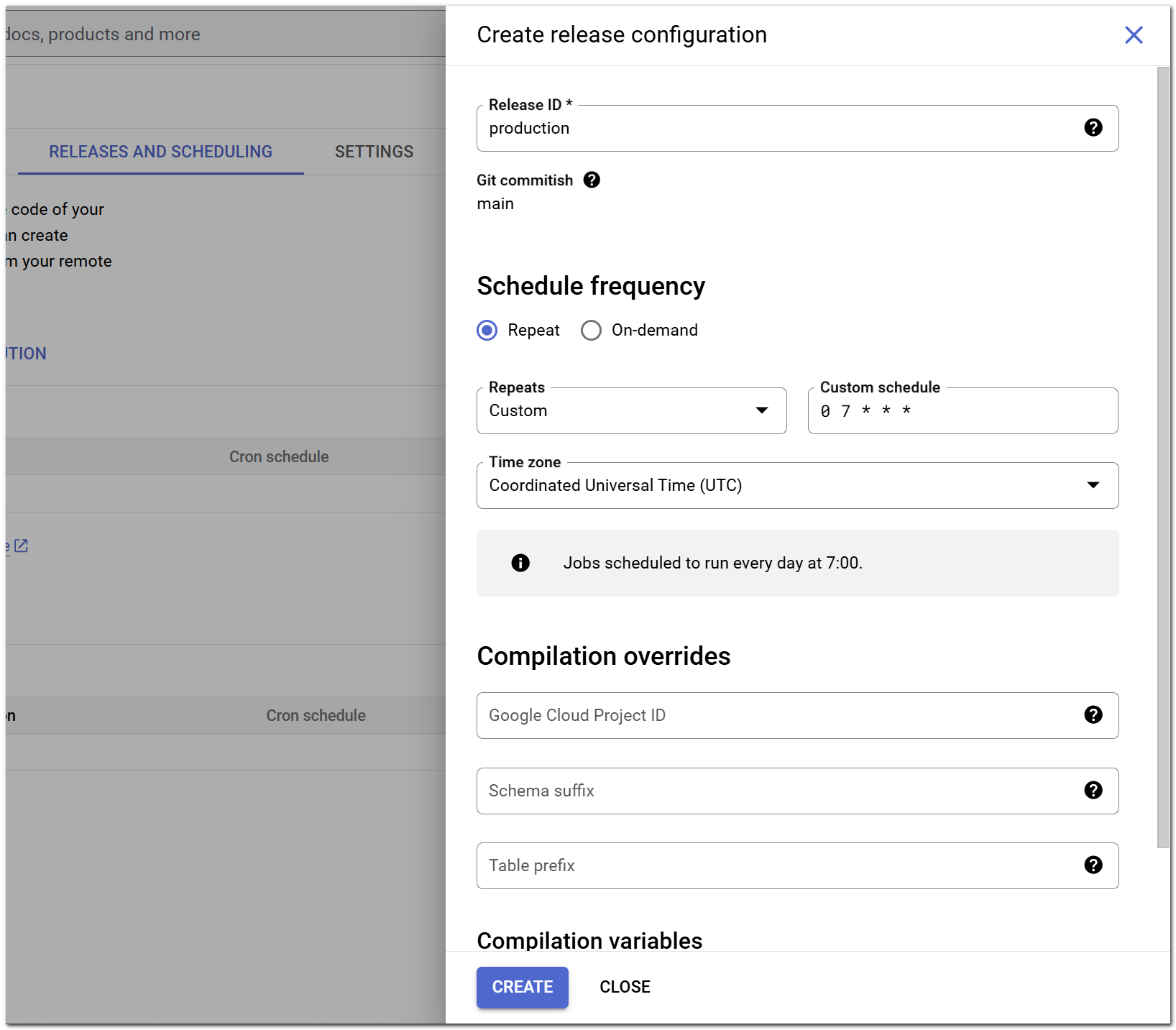
- Create a
Release configurationwith your preferred schedule:
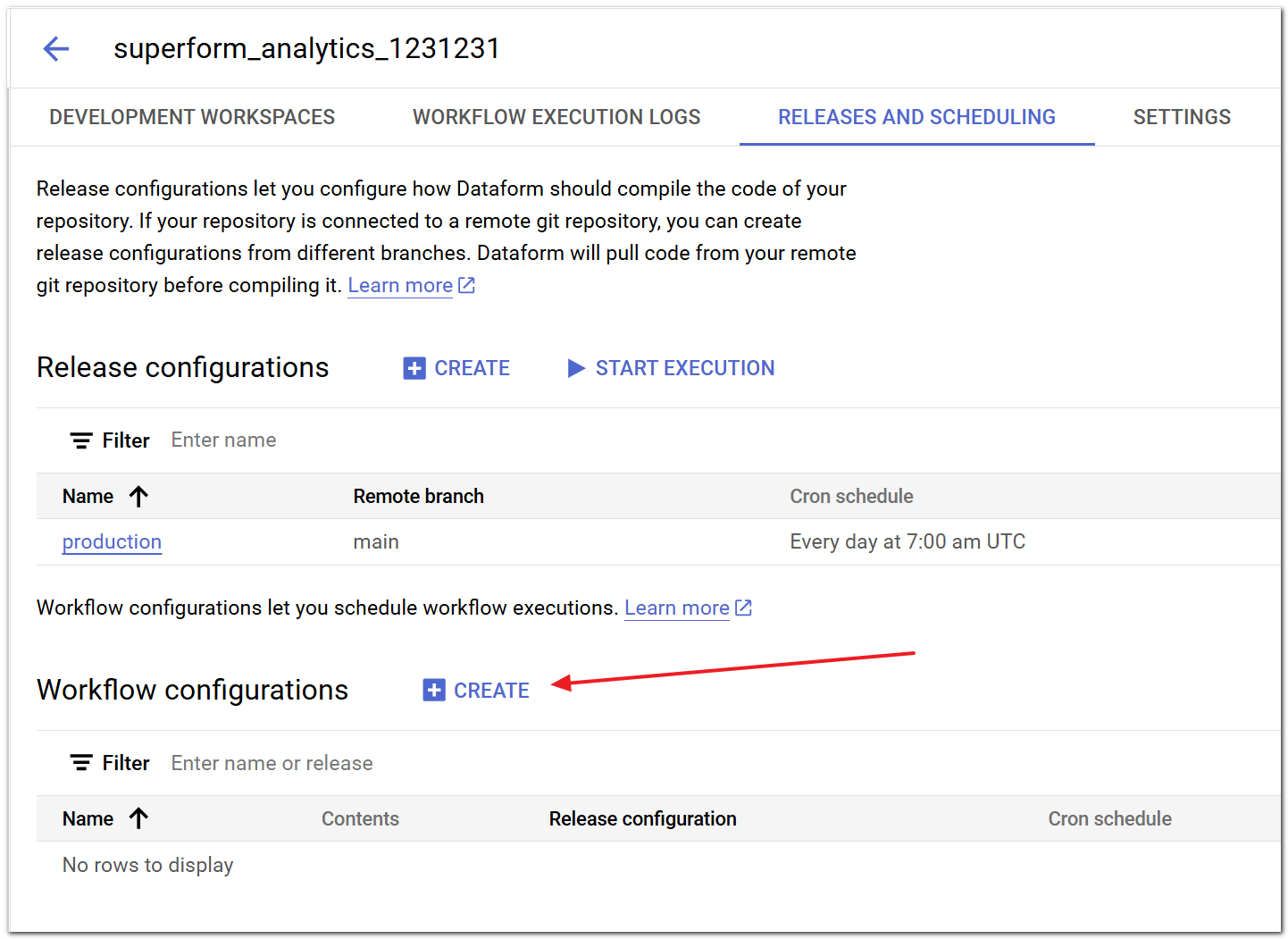
- Create a
Workflow configurationwith your preferred schedule
Configure the frequency and click create:
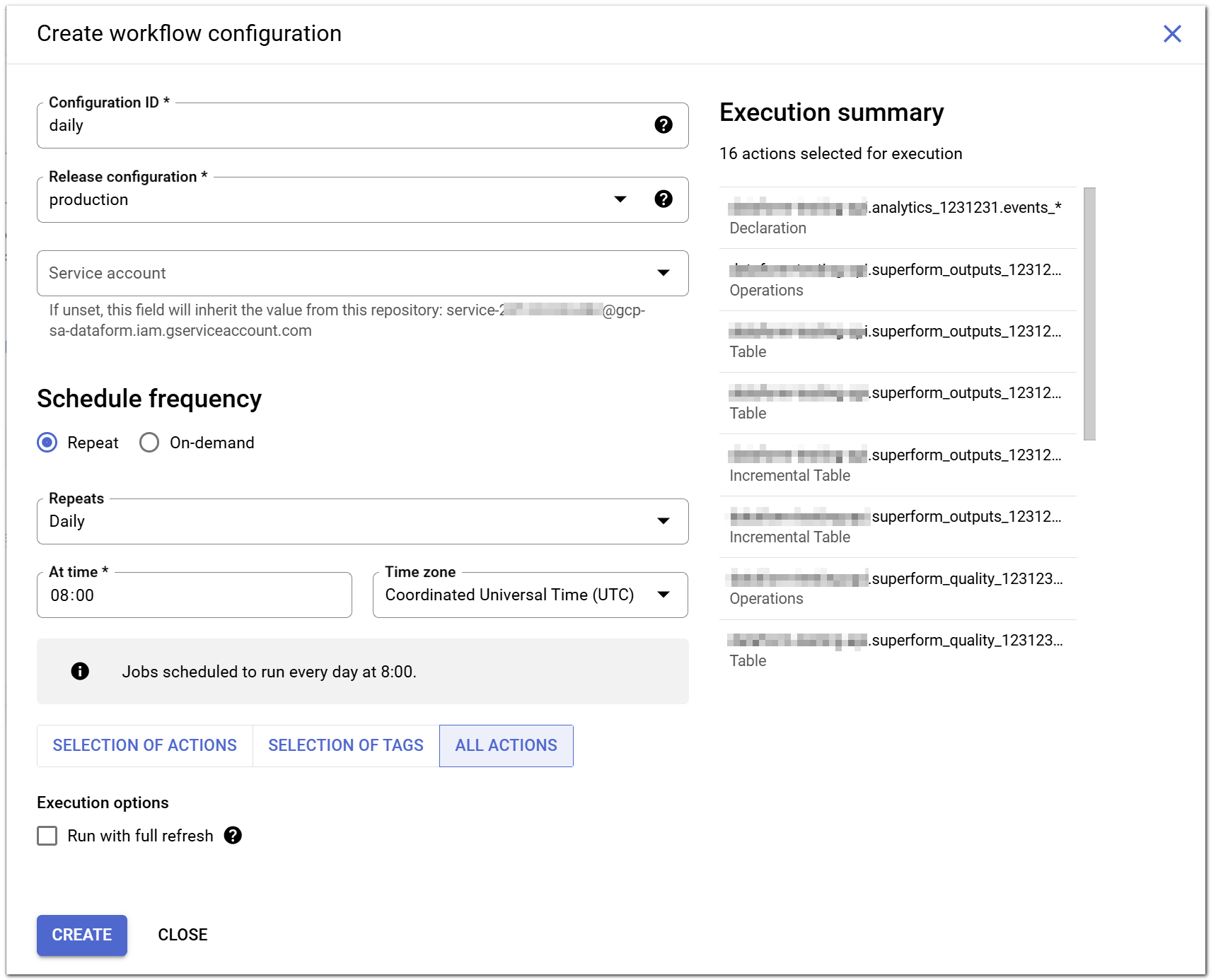
Schedule it to run after the Release
A workflow runs the latest Release configuration it is attached to (e.g.: production) so make sure to run the Workflow after the release.